I didn't build this dashboard. The talented wysie did, and they knocked it out of the park. I just want to showcase it properly because it deserves way more attention. This is the kind of open-source craftsmanship that makes local AI tools feel like magic.
The Mnemosyne Dashboard is a local-first web dashboard for browsing, visualizing, and understanding your AI memory store. It opens your SQLite database in read-only mode, renders everything as beautiful static HTML/CSS/JS, and makes zero cloud calls. Your data never leaves your machine. Not once.
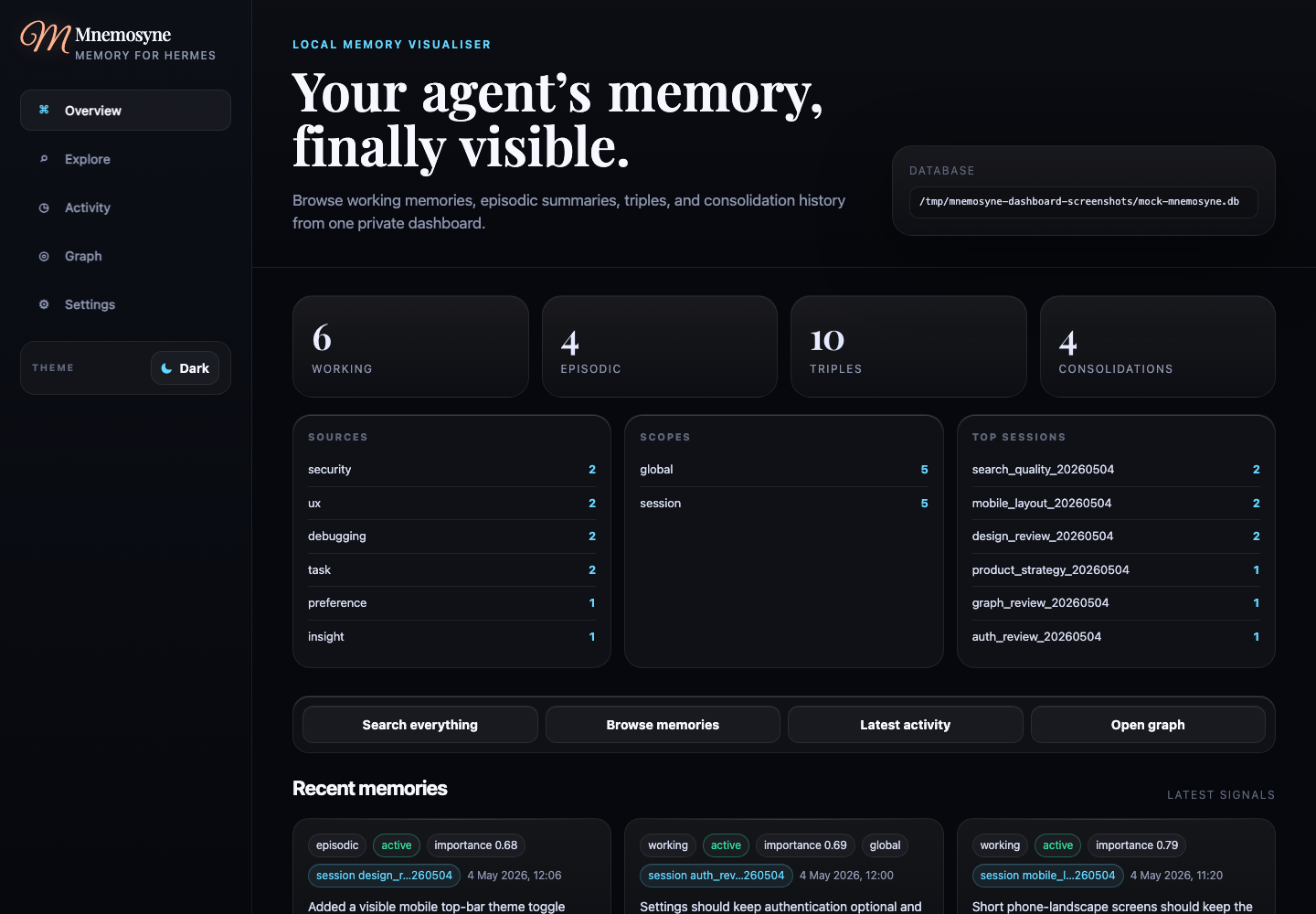
What you get
Five clean sections instead of raw database tabs. Each one feels intentional, not like a database admin panel:
Overview - memory counts for working, episodic, triples, and consolidations. Recent memory cards with click-to-expand JSON detail drawers. Quick actions that jump you straight into filtered views. Clickable breakdown rows that feel like a dashboard, not a spreadsheet.
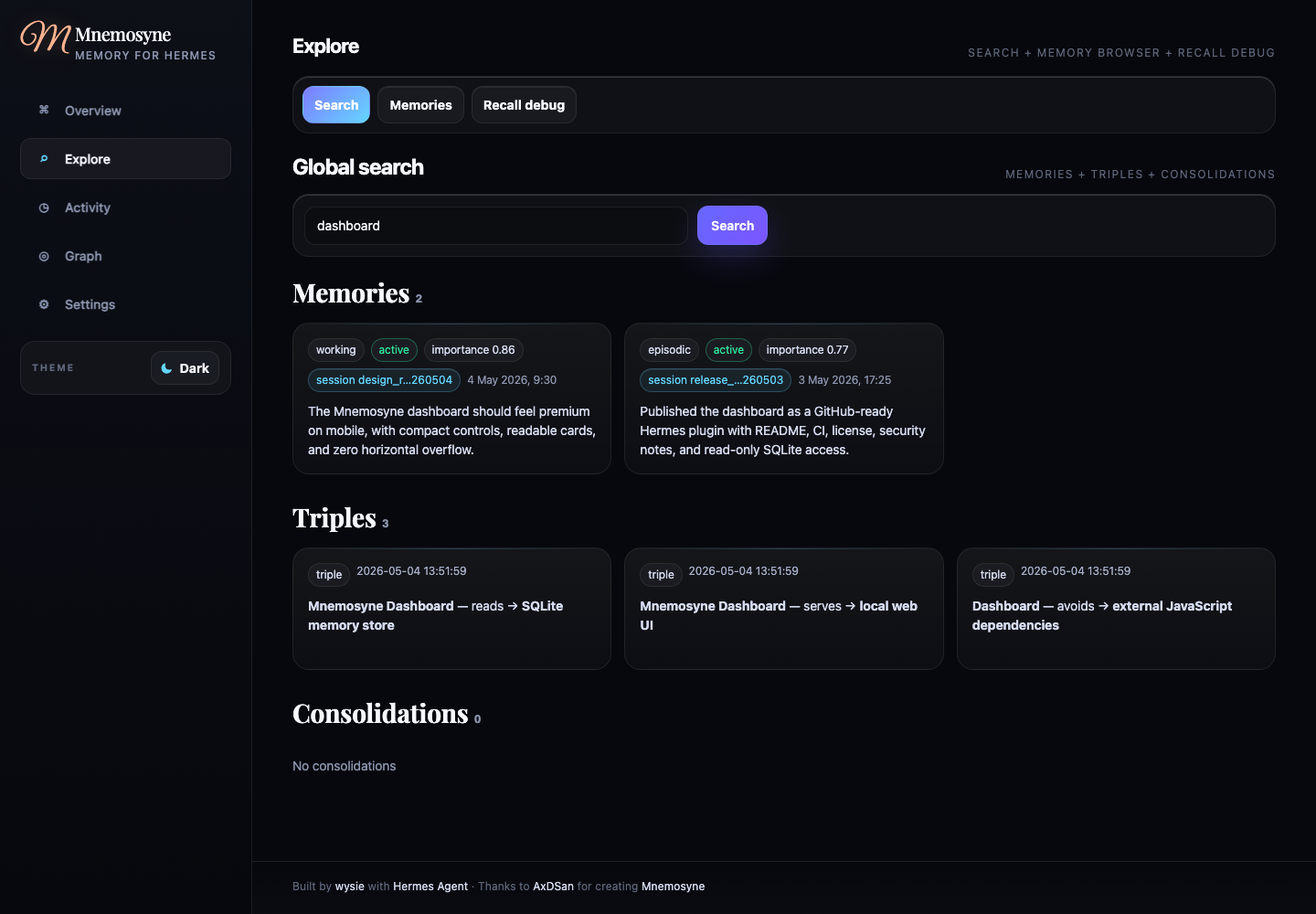
Explore - global search across memories, triples, and consolidations. A full memory browser with query, tier, source, scope, and session filters. URL deep links. And the thing I'm most excited about: a recall debugger that actually explains why certain memories ranked the way they did. If you've ever wondered "why did my agent pull THAT memory," this gives you the answer.
Activity - timeline grouped by day or session so you can scroll through your agent's memory chronologically. Consolidation history with JSON inspection and one-click jumps to session memories. It's like a journal for your AI.
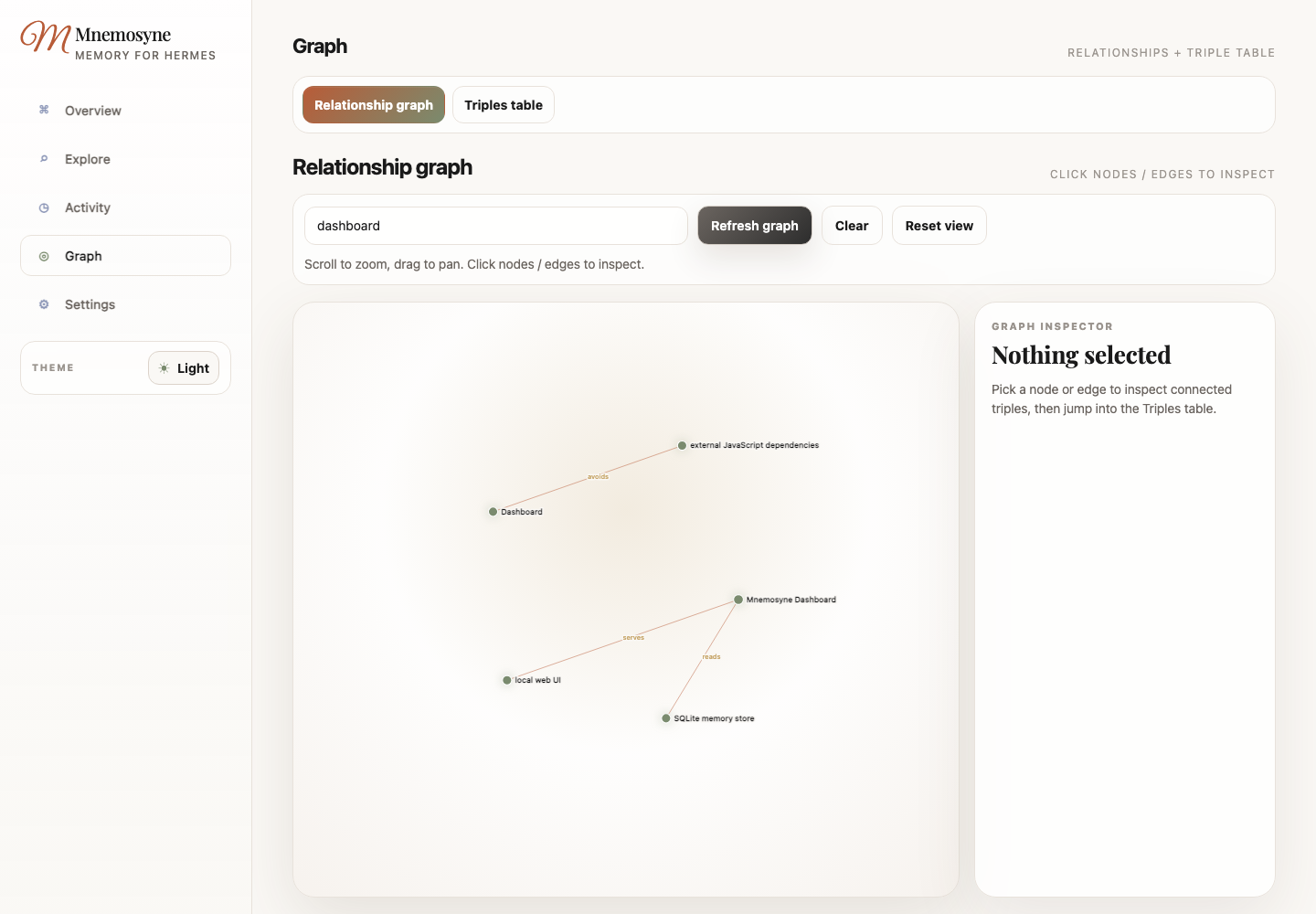
Graph - an interactive relationship graph. Zoomable with mouse wheel, draggable to pan. Clickable nodes and edges that open inspector panels with jumps into Triples and Memories. A triples table with expandable row details. Finally you can see how your memories connect to each other.
Settings - optional password auth, configurable bind address and port, database diagnostics for checking install health. Everything you need to tune it to your setup.
Security that actually cares
The dashboard opens your SQLite database with mode=ro. Read-only
by default. Binds to localhost unless you explicitly configure
otherwise. Password auth available but off by default. CSP,
no-sniff, frame-deny, no-referrer headers on every response. Static
assets are served with path traversal protection.
If you enable admin mutations, they create automatic SQLite backups and append to an audit log. No raw overwrites. No hard deletes. Safe by design. The kind of security defaults that make you trust the tool you're running locally.
Mobile too
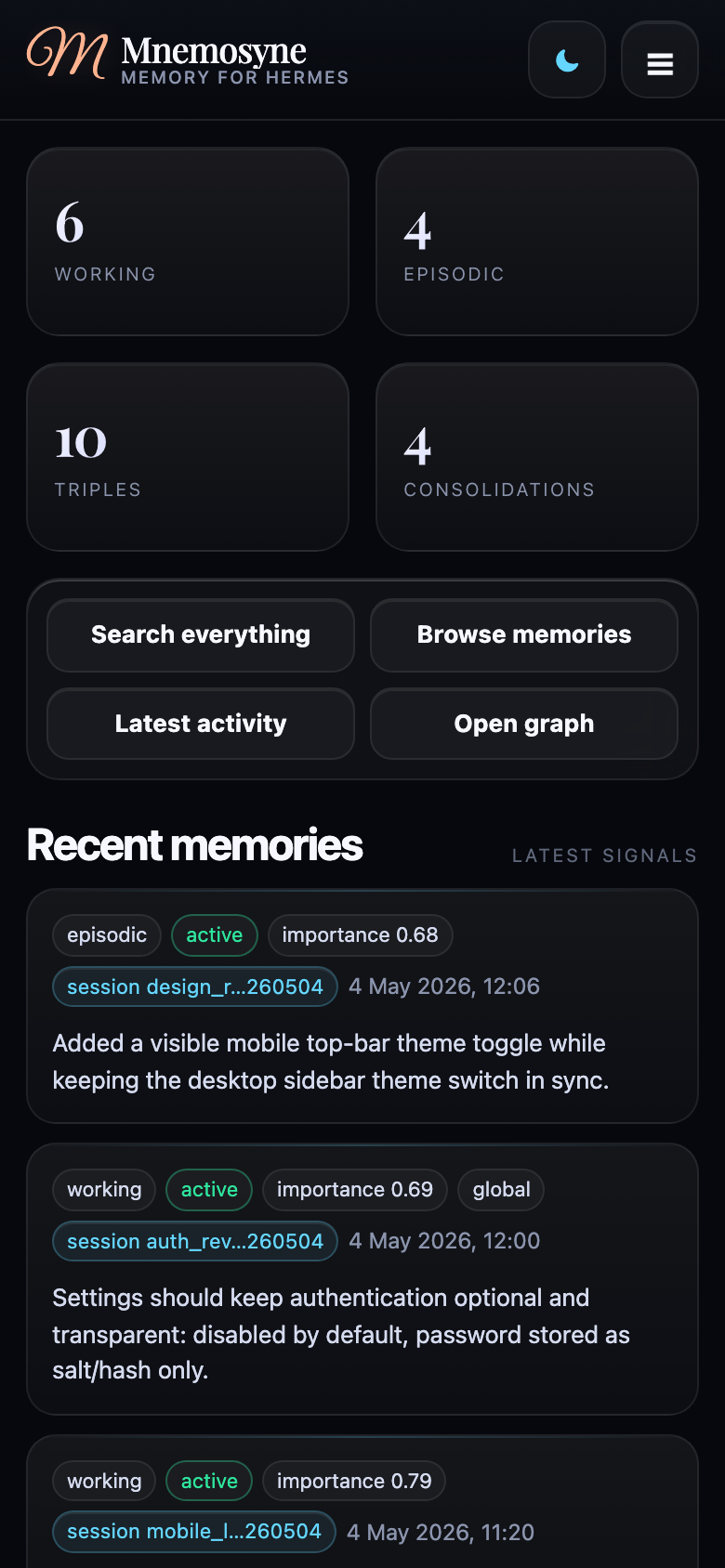
Fully responsive. Dark and light themes. Hamburger menu on mobile with theme toggle. Mnemosyne-inspired light theme with self-hosted fonts. It looks just as good on your phone as it does on your desktop.
Installation
Copy the repo to
~/.hermes/plugins/mnemosyne-dashboard,
run
hermes plugins enable mnemosyne-dashboard,
restart Hermes. That's it. The dashboard auto-detects your Mnemosyne
database path. Or run it standalone with
python server.py --host 127.0.0.1 --port 8765.
Why this matters to me
I've been pouring everything into Mnemosyne for months, and seeing someone build something this polished on top of it is genuinely moving. This is what open-source is supposed to be. Someone ships a foundation, someone else builds something beautiful on top of it, and the whole community gets better tools.
If you're using Mnemosyne, install this dashboard. Even if you only open it once to look at the graph. It's worth it just to see your agent's memory laid out like a living map.
Dashboard repo: github.com/wysie/mnemosyne-dashboard
With everything I have,
Abdias (AJ)